

Fire TV Stick
IPTV on an Amazon Fire TV Stick in Ireland
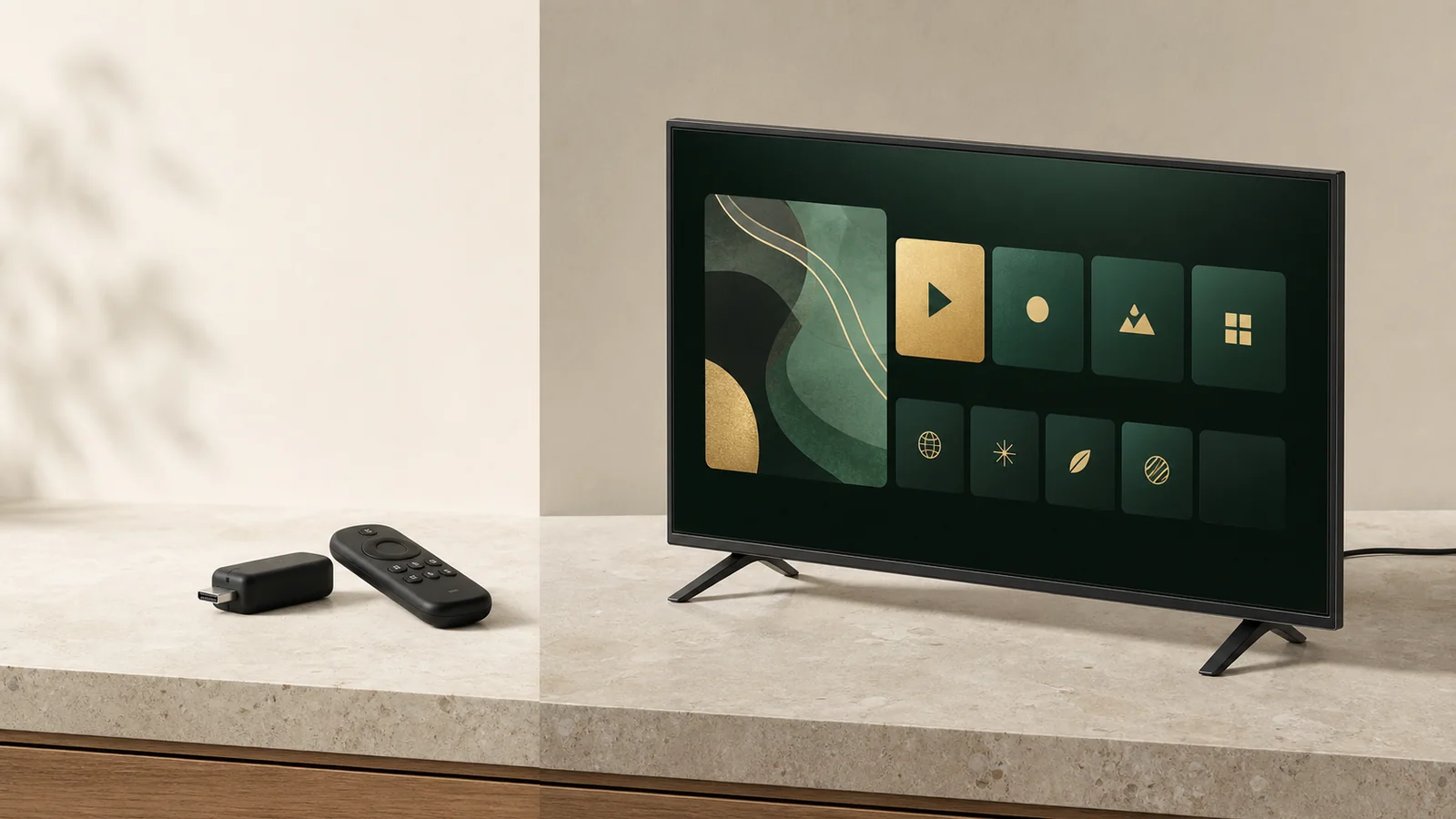
The cheapest way to bring an older Irish television up to date, and the device we most often recommend to people whose smart TV is struggling. It also has two well-known weaknesses, and this page covers both.
- Under the price of one month
- Works on any HDMI television
Choosing
Buy the 4K model, not the cheapest one
The difference is memory, and memory is exactly what a large channel guide needs.
- The 4K models have more memory, which is what keeps the guide responsive over time.
- The Lite model works, but it is the one people complain about six months later.
- Any Fire TV Stick will work on a television that has a spare HDMI port and a USB port or a nearby socket.
- Buy from an Irish retailer so returns and warranty are simple if it fails.
We do not sell hardware, take commission or run affiliate links. This is simply the advice we give on WhatsApp several times a week.
Setup
Five steps from box to first channel
-
Use the supplied power adapter
Not a USB port on the television. Under-powering a stick causes restarts that look like a service fault but are not.
-
Fit the HDMI extender
The short cable in the box exists for a reason. It keeps the stick away from the heat of the panel and improves the Wi-Fi signal.
-
Complete the Amazon setup and let it update
Get the initial software update out of the way before installing anything, or it will interrupt you later.
-
Install the player we named
From the Amazon Appstore on the device. Use the app named in your setup message rather than choosing from search results.
-
Sign in and set favourites
Type carefully with the remote, then mark your regular channels straight away so you rarely open the full guide.
Keeping it fast
The storage problem, and how to stay ahead of it
This is the single most common reason a stick that worked well in March feels sluggish by September.
- Keep the number of installed apps low. Remove anything you have not opened in a month.
- Clear the player cache when the guide starts feeling slow.
- Restart the stick from the settings menu occasionally rather than only unplugging it.
- If you use it heavily, an ethernet adapter removes the wireless variable entirely.
Fire TV Stick questions
Which Fire TV Stick should I buy in Ireland?
The 4K model rather than the cheapest one. The extra memory is the difference between a channel guide that opens promptly and one that makes you wait, and the price gap is small.
Why does my stick slow down after a few months?
Storage. These devices have very little of it, and every installed app and cached file competes for the same space. Removing apps you do not use restores performance more reliably than any other single action.
Does the stick have a network port?
Not built in, but an inexpensive ethernet adapter is available and it is the best upgrade you can make in a house where the router is far from the television. We would recommend one before we would recommend a new router.
It keeps restarting itself. Is it faulty?
Usually it is heat or power. Use the supplied power adapter rather than a USB port on the television, and use the HDMI extender so the stick is not pressed against a hot panel. Both are common causes and both are easy to fix.
Troubleshooting
Four Fire TV Stick symptoms and their usual cause
| Symptom | Usual cause | Fix |
|---|---|---|
| Random restarts | Power or heat | Use the supplied adapter into a wall socket and fit the HDMI extender. |
| Everything feels slow | Storage is nearly full | Uninstall unused apps and clear caches, then restart. |
| Buffering only in the evening | Wireless congestion | Switch to the 5 GHz network, or add an ethernet adapter. |
| Remote stops responding | Batteries or pairing | Replace the batteries first, then re-pair by holding the home button. |
Cheapest good option
A stick and a subscription is the least you can spend and still be happy
If your television is more than six or seven years old, this is the route we would take. Ask us before you buy and we will confirm it suits your setup.
Prefer email? Write to [email protected]. We answer 09:00 to 23:00 Irish time.